
Browser tool
Image Toolkit.
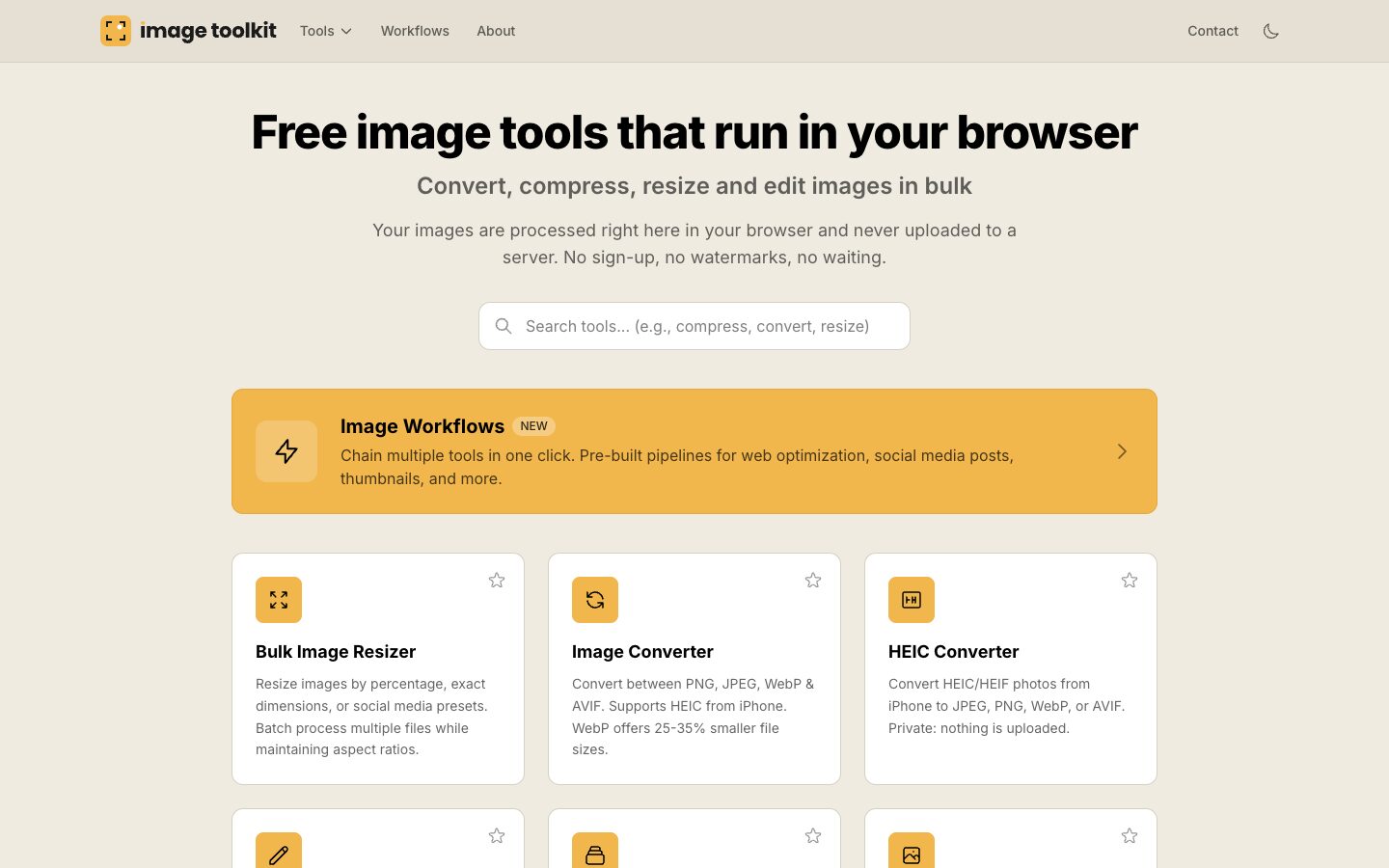
Convert, compress, resize and edit images in bulk, right in your browser. Your images never leave your computer, and there’s no sign-up, no watermark and no limit.
- Price
- Free
- Works with
- Any modern browser

Why I built it.
Most free image sites ask you to upload your photos to their server, wait, then download them again, often one at a time and with a watermark or a sign-up along the way. For holiday photos that’s a nuisance. For a client’s documents, or anything personal, it’s a privacy problem.
Image Toolkit does the work on your own machine instead. Drop in thirty photos, choose what you want doing to them, and download the lot together.
How I built it.
Fast, private and free, because there’s no server doing the work.
-
Everything happens on your device
Converting, compressing and resizing run in the browser itself, using WebAssembly for formats like AVIF and WebP, so there’s nowhere for your images to be sent.
-
iPhone photos sorted
HEIC photos from an iPhone are decoded in the browser too, so they convert to JPG, PNG, WebP or AVIF without installing anything.
-
Built for batches
Every tool works on a pile of files at once, and Workflows chain tools together, so a whole folder can be resized and compressed in one go.
-
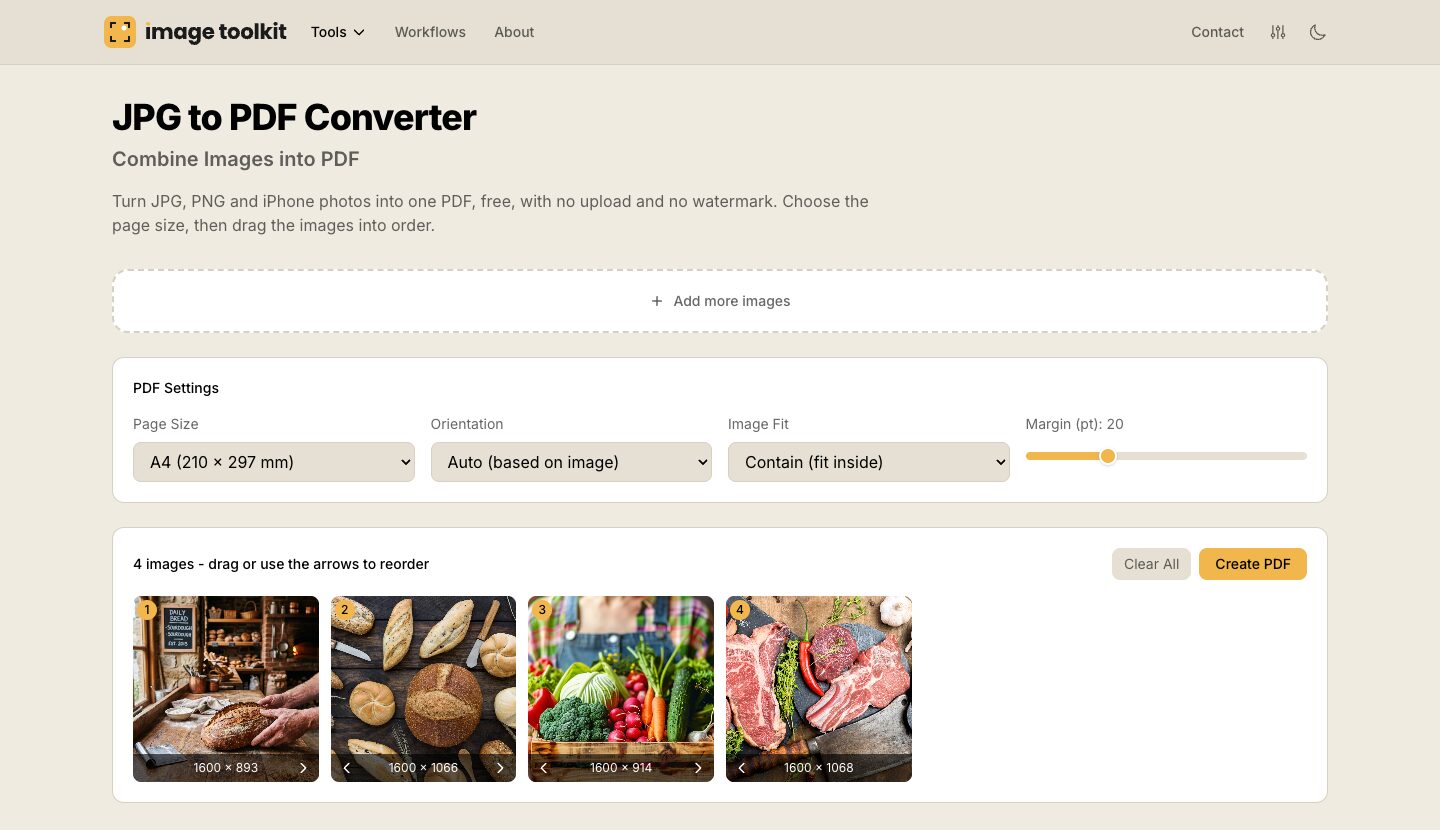
Images to PDF
Turn photos or scans into a single PDF in the order you choose, with the page size and orientation set, without uploading a thing.
-
Found in search
Each tool has its own page, guide and share image, all built in advance so search engines can read every one properly.
-
Tested before every release
Every change runs through unit tests and real browser tests before it goes live, so a tool that worked yesterday keeps working.
One of the tools.
Need a tool that doesn’t exist yet?
If there’s a job your business does by hand every week, there may well be a tool in it. Tell me about it.
